





















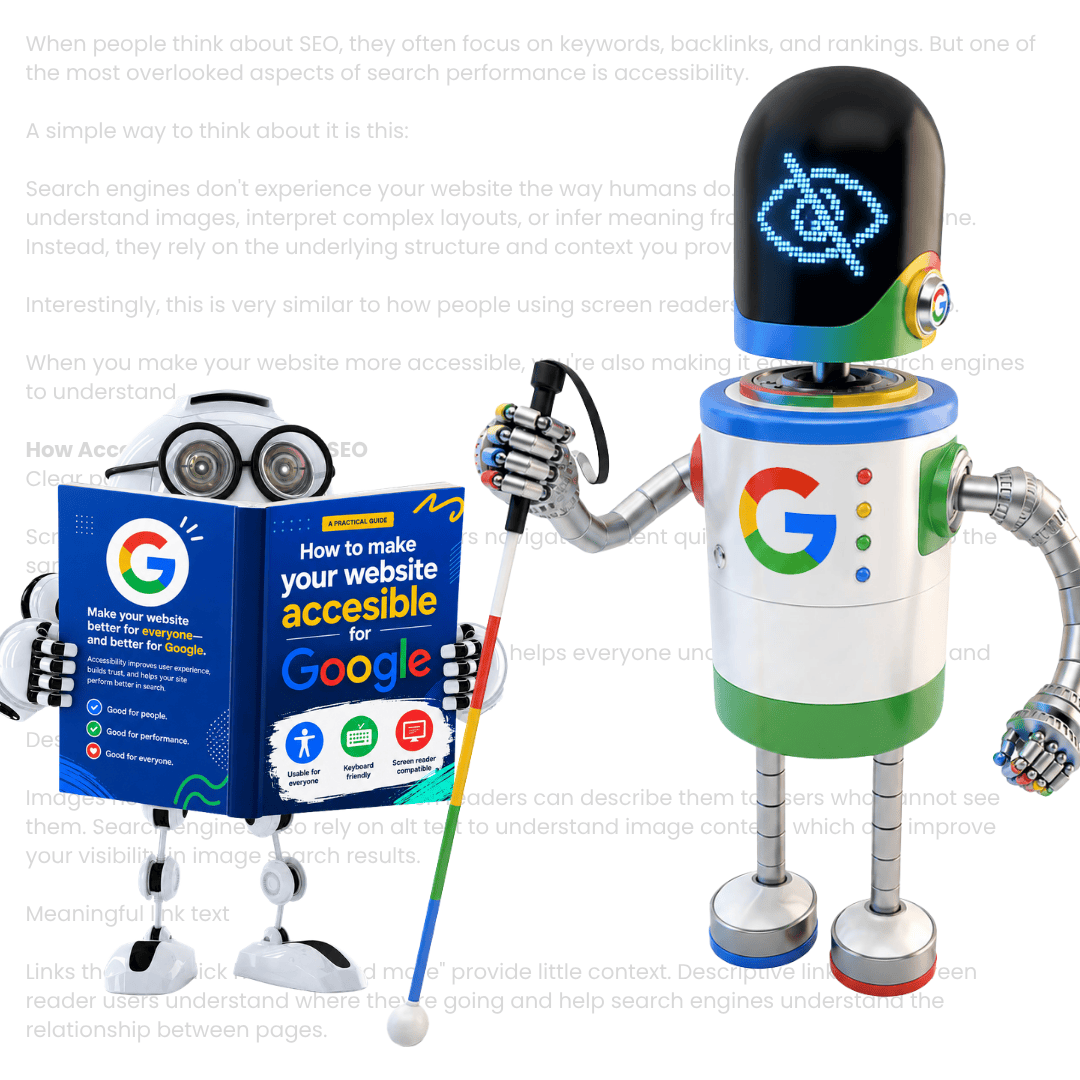
Does Accessibility Affect SEO - BANNER
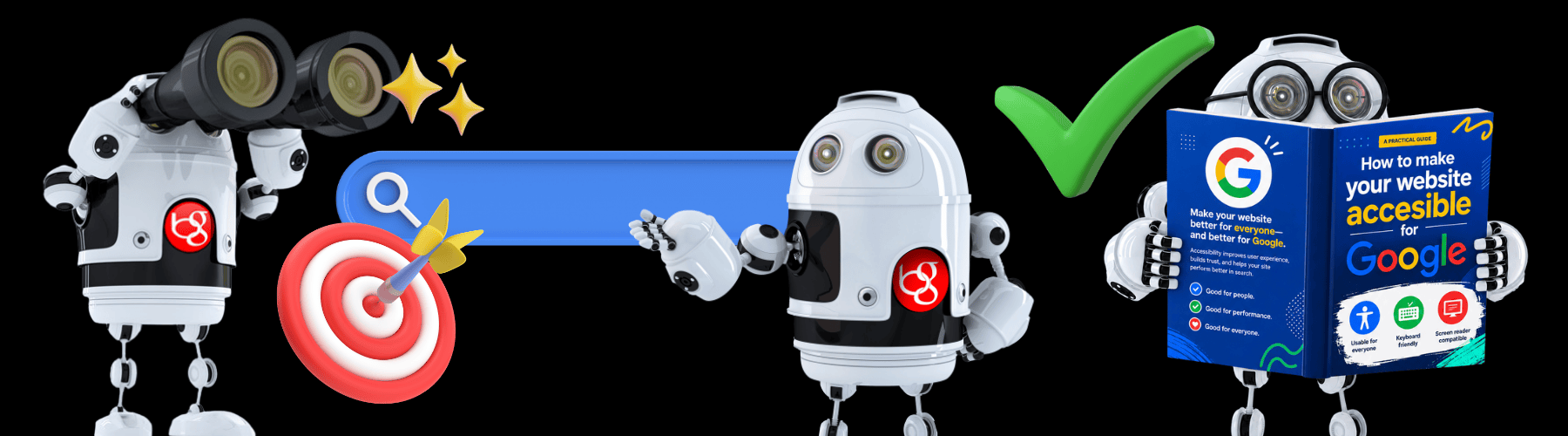
Image with blind google robot and Borg reading a

Google is a little bit like a blind robot…

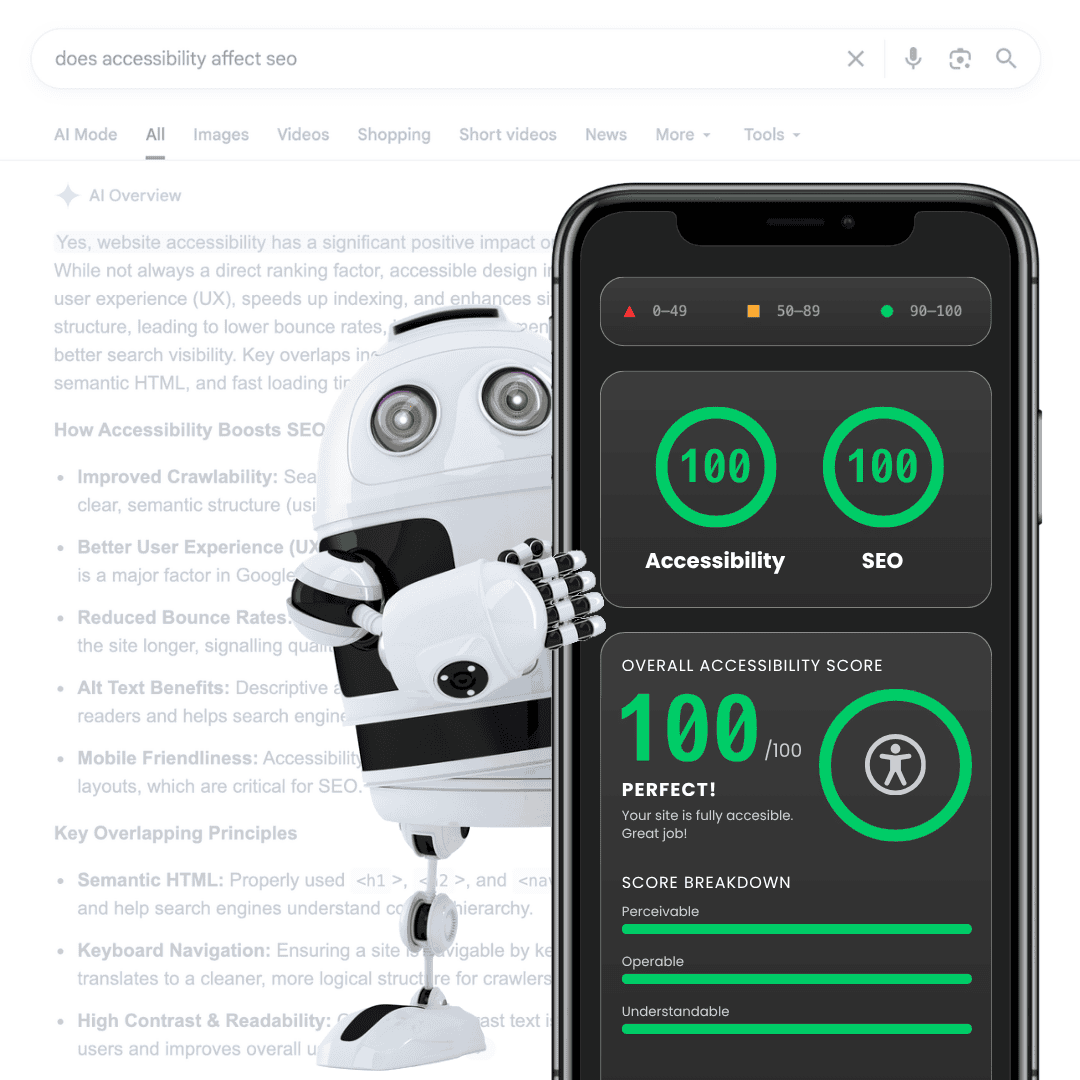
If you’re asking, “does accessibility affect SEO?”, the short answer is a resounding yes. The long answer? There’s a lot to it, but Google is basically like a blind robot.

We aren’t suggesting they should’ve gone to their local high-street opticians, but they definitely need a hand seeing things clearly…

To get your business found online, Google sends ‘bots’ to crawl your code. The trouble is, they can’t actually see the photos of your work, or watch your handy welcome video. They rely entirely on reading the text and code that makes your site tick. If you don’t label your website code, the Google bot feels all discombobulated and the chances are it’ll seek revenge on your search rankings.

Scratch the Google bot’s back by helping it see your site clearly, and it’ll scratch yours with better search rankings. Our SEO experts, Tom and Luke, specialise in making sure your site talks to Google in a language it actually understands.
Accessible design is a win-win

An accessible website keeps your human visitors happy and the Google algorithm sweet. Take Alt Text as an example. This is a short description for people who can’t see an image. For SEO, that same text tells Google exactly what the image is. Without it, your Creative content might as well be invisible.

Then there’s your structure. Many sites are a jumble of bold text and random font sizes that look like a dog’s dinner. An accessible site uses a proper hierarchy (H1, H2, H3 tags) that acts like a site map. Google loves this because it makes your content easy to digest. If your current layout is a bit of a shambles, Rebecca and our design team can execute a Web Design overhaul that’s both sharp and inclusive.

Borg in a winner trophy
Bad UX robot who is whispering as he kills a website

Bad UX = The Silent Ranking Killer

Put simply, accessibility affects SEO because Google is obsessed with User Experience (UX). To be fair to them, it makes total sense.

We’ve all been there: you land on a site where the text is too small to read on your phone, or the menu is impossible to click. You end up spam-tapping your screen so intensely you accidentally download three new apps and initiate an emergency call… nightmare. You’re leaving that website immediately – which is known as a “bounce”.

These UX issues are bad for everyone, but they’re even more of a problem for the visually impaired and those with disabilities. Since nearly 25% of the UK population has a disability, that’s a massive chunk of people likely to bounce if they can’t use your site.

As part of it’s core ranking system, Google runs a series of tests that measures your UX – known as Core Web Vitals. CWV measures real-world user experiences and provides your website with a score in a number of metrics – Largest Contentful Paint (LCP), Interaction To Next Paint (INP) and Cumulative Layout Shift (CLS). That may not mean a whole lot to you, but it does to Google. If your site ranks poorly in these metrics, the chances are your search rank will suffer (PS. we can help you improve your Google Core Web Vitals score).

The legal reality: Don't get caught out

Making your website inclusive isn’t just a nice to have. It’s a legal necessity. Under the UK Equality Act (EQA), businesses must make “reasonable adjustments” to ensure their services are accessible to everyone.

Shockingly, only 1% of websites actually meet these requirements. With EQA lawsuits on the rise, ignoring this is a massive risk. We’ve helped businesses across all sectors sharpen their digital presence to drive results while ensuring they stay fully compliant.

Understanding WCAG and EQA

To stay compliant and reap the maximum SEO benefits, you need to follow these standards:

  1. WCAG (Web Content Accessibility Guidelines): These are the international technical rules. Aim for ‘AA’ level compliance to stay in Google’s good books. Check the full specs at W3.org.
  2. EQA (Equality Act 2010): This is the UK law. Failing to meet this isn’t just bad for SEO; it’s a risk to your business.

Your Big Gun accessibility hit-list

Unsure where to start? Here’s a quick fire hit-list to cover off some of the basics:

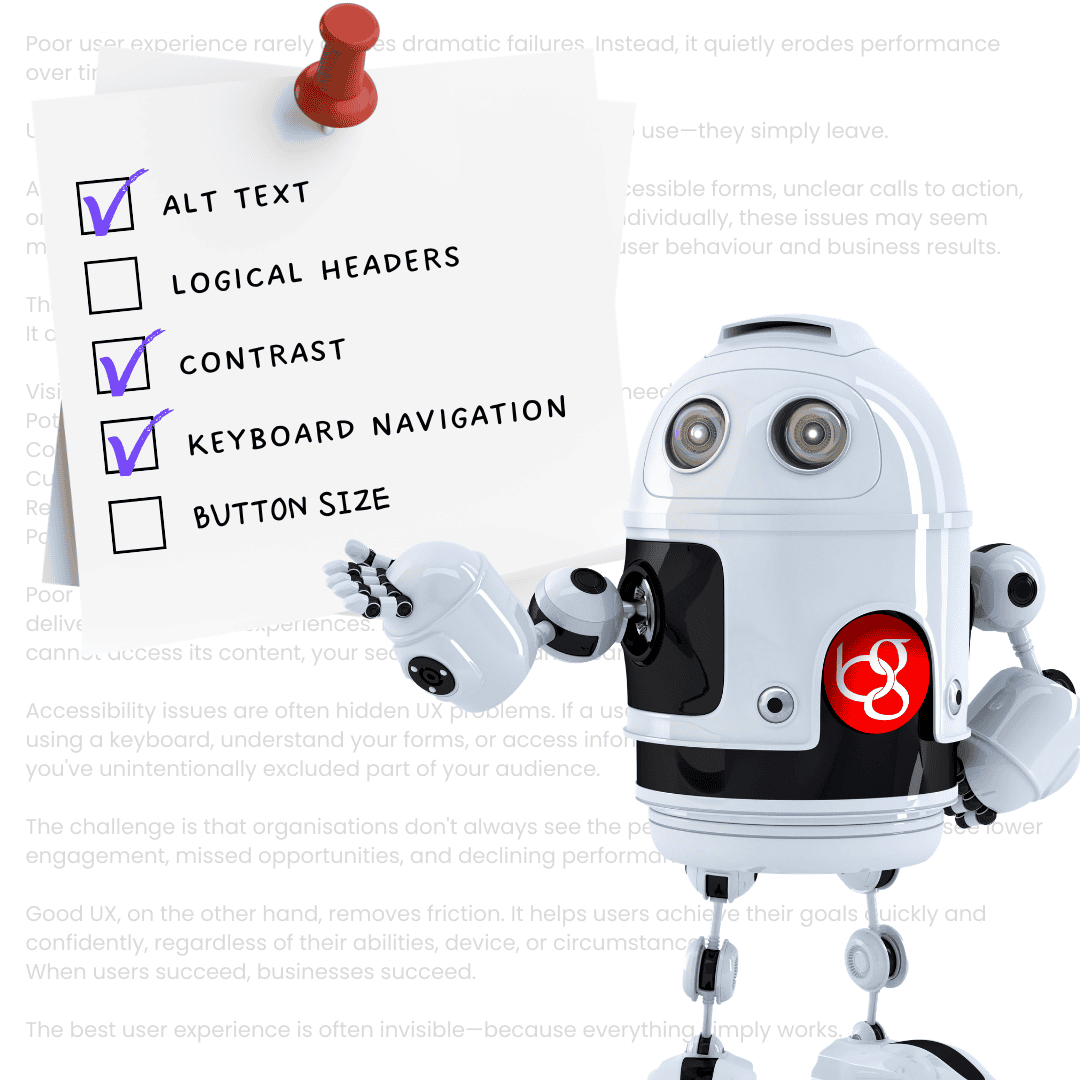
  • Alt Text: Does every image have a clear description?
  • Logical Headers: Are you using H1, H2, and H3 tags in the correct order?
  • Contrast: Is your text easy to read, or is it “grey on slightly lighter grey”?
  • Keyboard Navigation: Can you move through your site using only the ‘Tab’ key?
  • Button Size: Are your links big enough for “trade-hardened” fingers to click without hitting three things at once?

If you’re worried your website might be an accessibility nightmare, give us a shout. Luke and the development team will run a full audit to see how you stack up. We’ll identify the stumbling blocks and give you a plain-English plan to fix them.

Ready to make your website for everyone, and climb up the Google search rankings in the process?

Bring in the Big Guns.

Borg showing a post-it note with an accessibility checklist on

RANKINGS TAKING A TUMBLE?

BRING IN THE BIG GUNS

GET IN TOUCH

PING US A MESSAGE

This field is for validation purposes and should be left unchanged.
Services of Interest
http://TB%20Carrying%20Laptop

PING US A MESSAGE 💬

This field is for validation purposes and should be left unchanged.
Services of Interest
[lc_phone_number_pool id=PnsUmgKr6GoUvwAwRRGC]
Secret Link