






















Too often, review generation starts and ends with a generic email or a small “Leave us a Google review” link buried somewhere after the customer experience is over.

It doesn’t have to.

From websites and nurture emails to QR codes and NFC products, review generation can be intentionally designed into the wider customer journey.


The principle is simple:

Customer experience → positive moment → review trigger → easy route to review → stronger trust and visibility

The aim isn’t necessarily to ask for reviews more often. It’s to ask at the right moment, through the right touchpoint and with as little friction as possible.
Designing Around the Customer Experience

Reviews are most effective when they feel like a natural part of the customer journey, rather than an afterthought added at the end. The aim is to make leaving feedback as easy and timely as possible, using the right touchpoint at the point where a customer is most engaged with your business.

Before deciding whether you need a QR code, an NFC card or an automated email, think about when your customer is most likely to want to leave feedback.

That could be immediately after:

  • a successful project handover
  • receiving an order
  • completing an appointment
  • attending an event
  • solving a customer service issue
  • hitting a milestone within an ongoing service
  • receiving particularly positive feedback from a client

Designing for reviews means identifying those points in the journey first, then choosing the touchpoint that makes the most sense. For one business that might be a follow-up email. For another, it could be a QR code printed on packaging or an NFC card handed over at the end of a job.

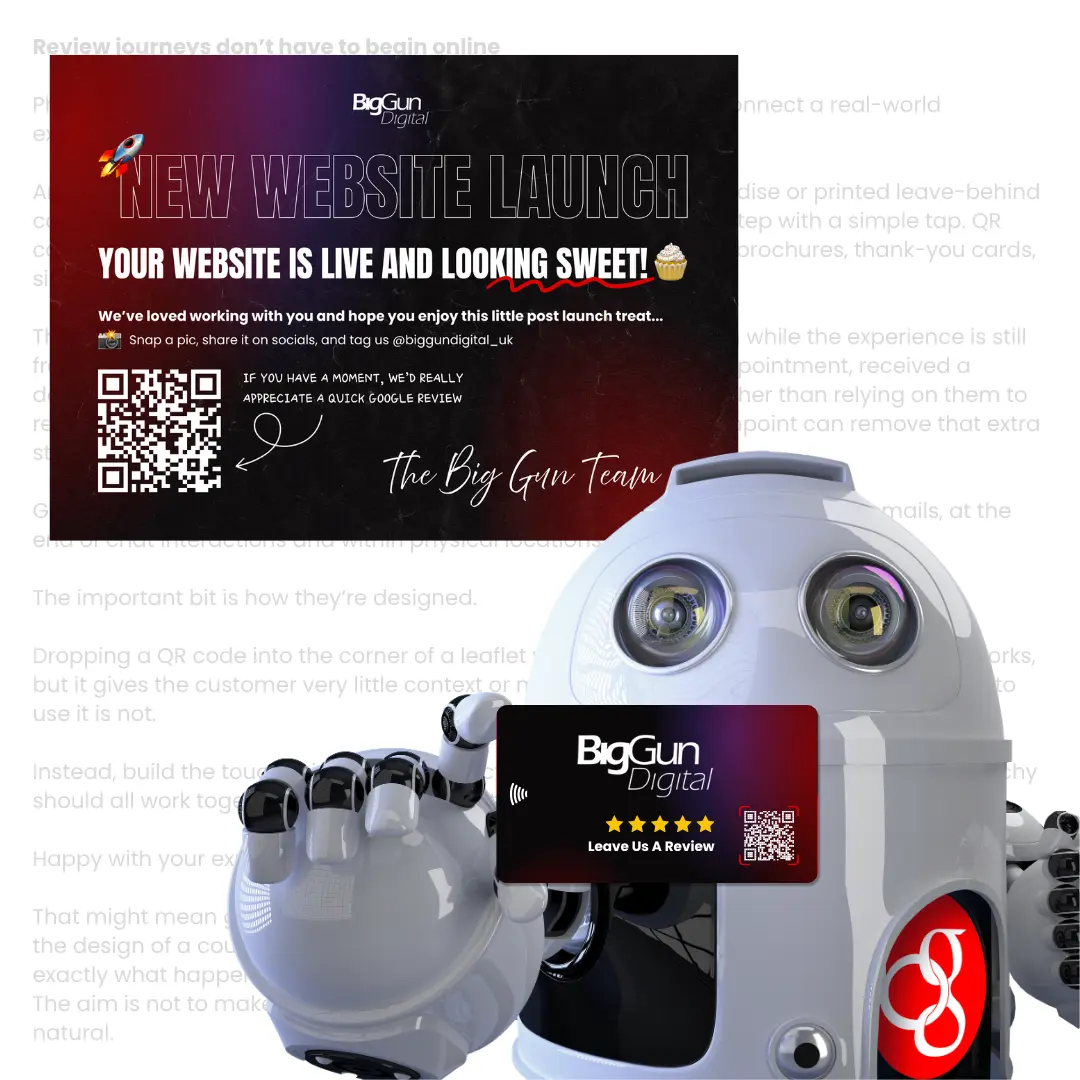
Review journeys don’t have to begin online

Physical touchpoints can be some of the most effective ways to connect a real-world experience with a digital action.

An NFC-enabled card, counter display, piece of branded merchandise or printed leave-behind can take someone directly from a positive interaction to the next step with a tap.

QR codes can achieve something similar across packaging, receipts, brochures, thank-you cards, signage and other printed materials.

Google itself suggests using review links or QR codes on receipts, in thank-you emails, at the end of chat interactions and within physical locations.

The important bit is how they’re designed.

Dropping a QR code into the corner of a leaflet with “Scan me” underneath it technically works, but it gives the customer very little context or motivation.

Instead, build the touchpoint around the action: Happy with your experience? Tell us how we did. The review request becomes part of the design rather than an afterthought.

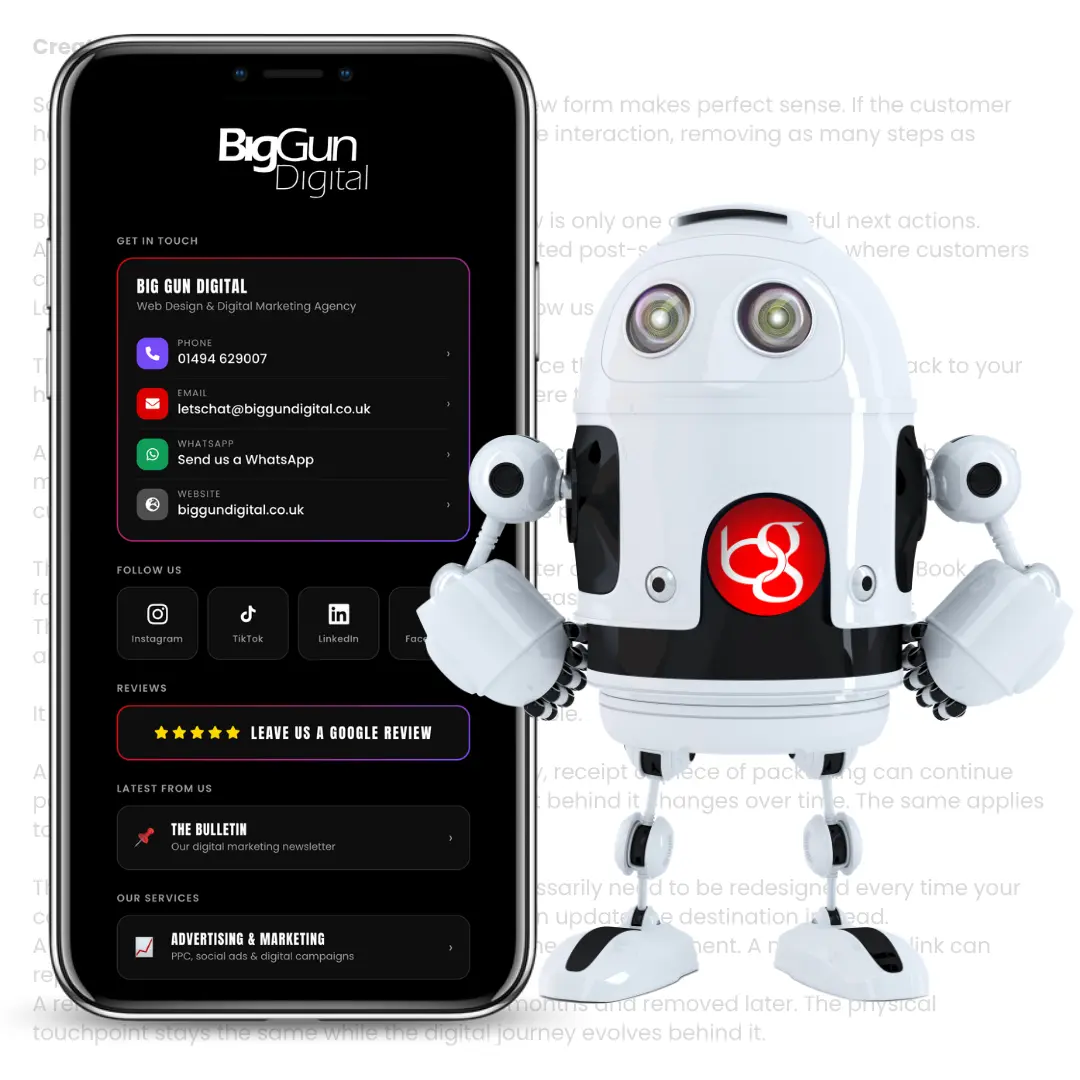
Create a better next step with Link Hubs

Sometimes sending someone directly to a review form makes sense. Sometimes there are several useful actions they might want to take next. A simple branded Link Hub can create a dedicated post-service destination with options such as:

Leave a review · Refer a friend · Book again · Follow us · Get support

It creates a much more considered next step than sending every customer back to your homepage and asking them to work out where to go from there. It also makes physical touchpoints more flexible.

A QR code or NFC product can continue pointing towards the same Link Hub while the content behind it changes over time. Your printed materials don’t necessarily need to change every time your campaign, platform or priority does.

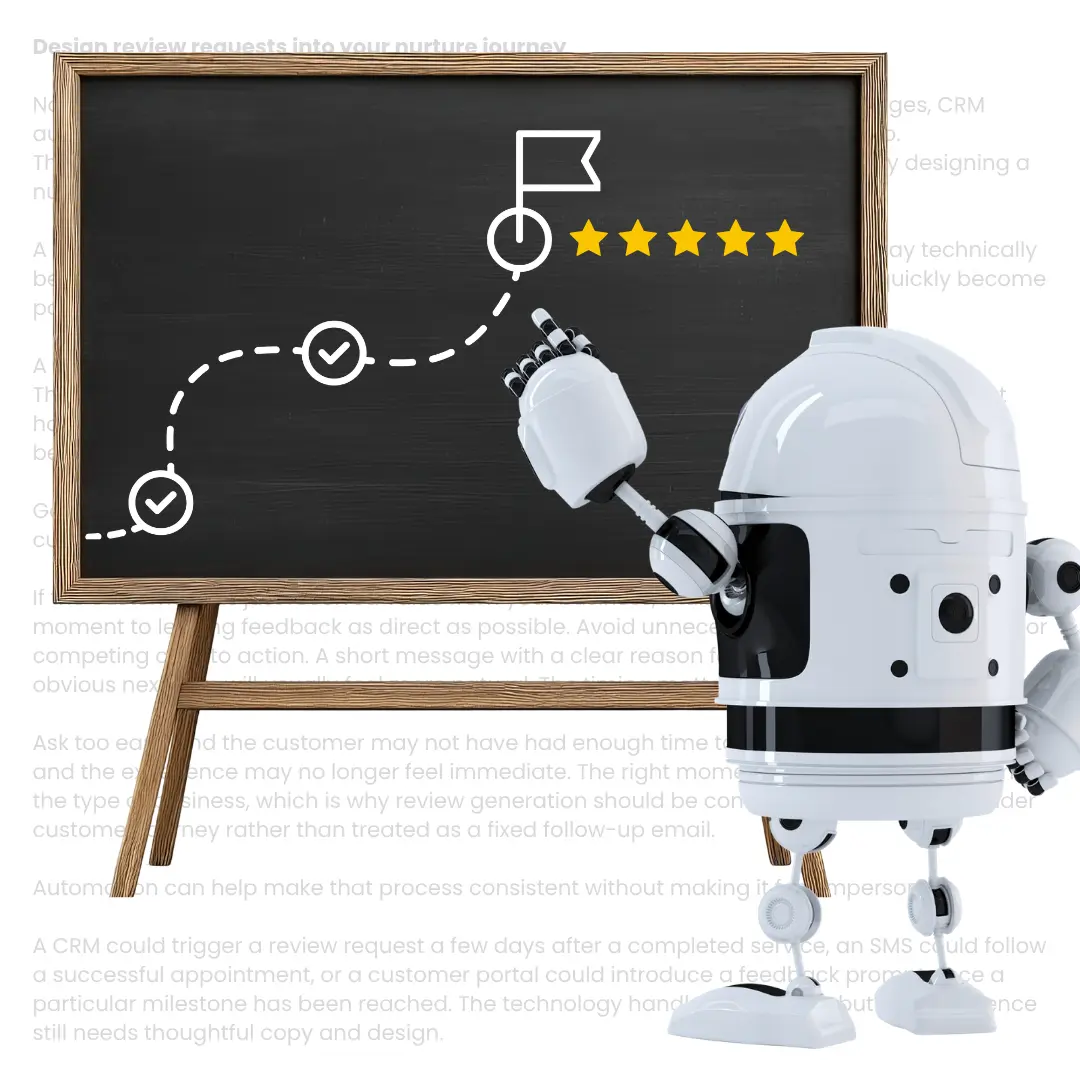
Design review requests into your nurture journey

Not every review request needs a physical trigger. Emails, SMS, WhatsApp messages, CRM automations and customer portals can all become part of the review journey too. The important distinction is between simply adding a review link and intentionally designing a nurture path.

A generic review CTA at the bottom of every email is easy to ignore.

A well-timed message shortly after a successful interaction feels relevant.

Good nurture design considers what has happened immediately beforehand, what the customer might want to do next and how much effort that next action requires. If the customer has just received value from your business, make the journey from that moment to leaving feedback as direct as possible.

Remove the barriers

Every extra click creates another opportunity for someone to drop out. If a customer has to search for your business on Google, find the right listing, locate the review section and work out what to do next, you’re relying on them to do quite a lot of the work. Good experience design removes those unnecessary steps.

The route should feel more like:

Clear prompt → simple interaction → familiar destination → review

That might mean tapping an NFC card. Scanning a QR code. Clicking a button in an email. Or following a link immediately after completing a service.

Why reviews matter beyond reputation

The obvious benefit of reviews is social proof. Potential customers can see your star rating, read about other people’s experiences and get a better feel for the business before making contact.

But reviews can also support your visibility in search. Google says local results are influenced by relevance, distance and prominence, and specifically notes that having more reviews and positive ratings can help a business’s local ranking.

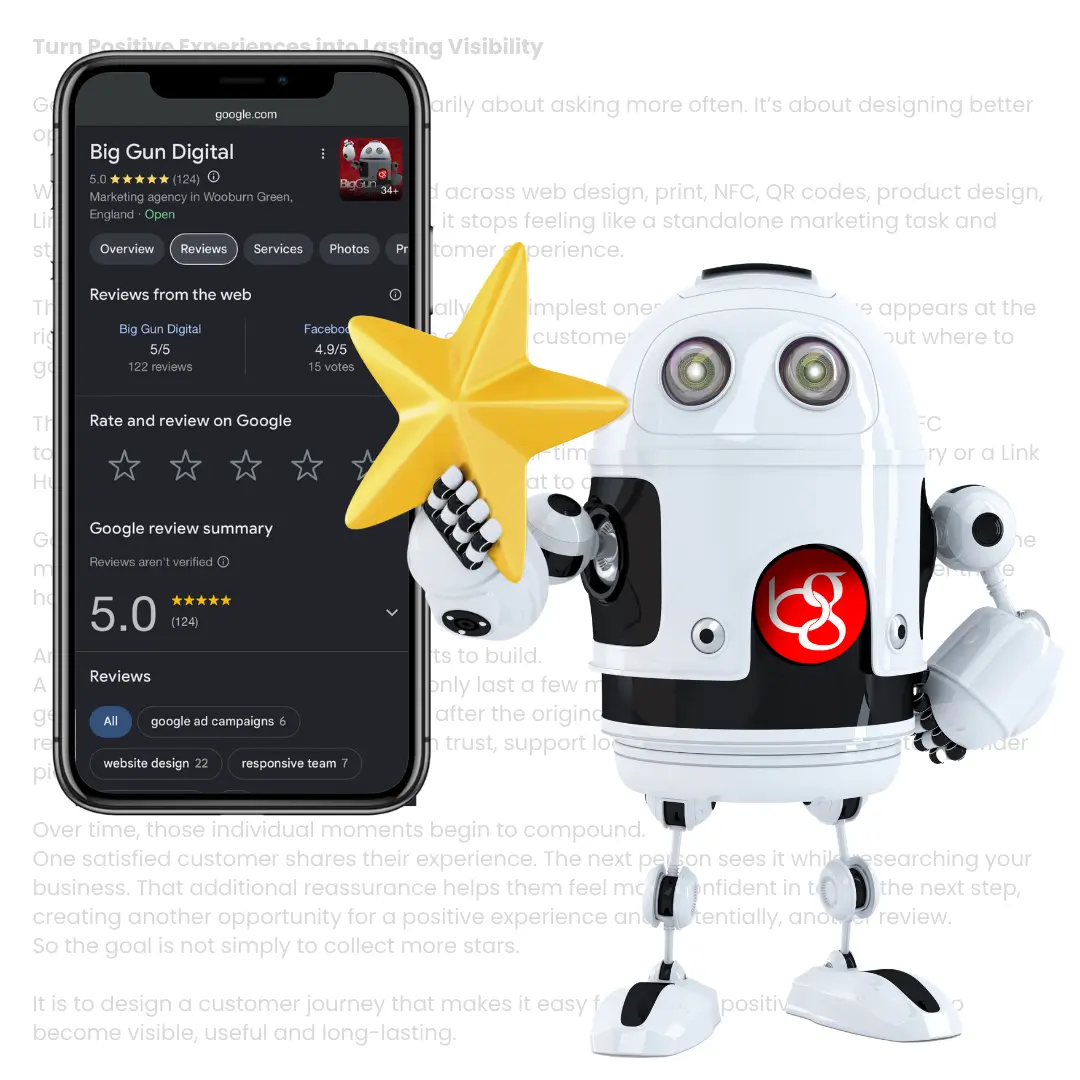
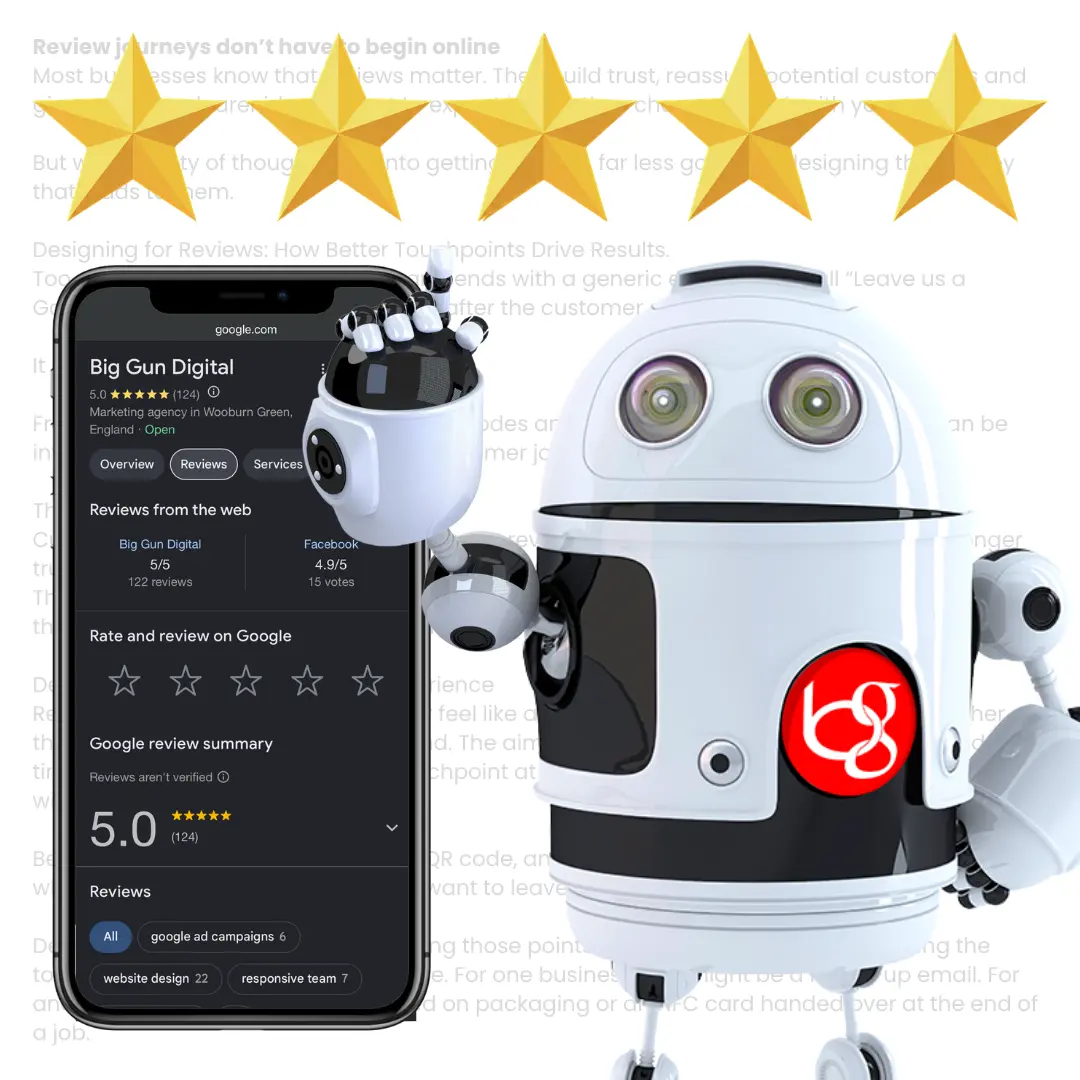
Review scores, top reviews and total review counts can also appear directly within Google Search and Maps, making them part of the experience someone has with your brand before they even reach your website.

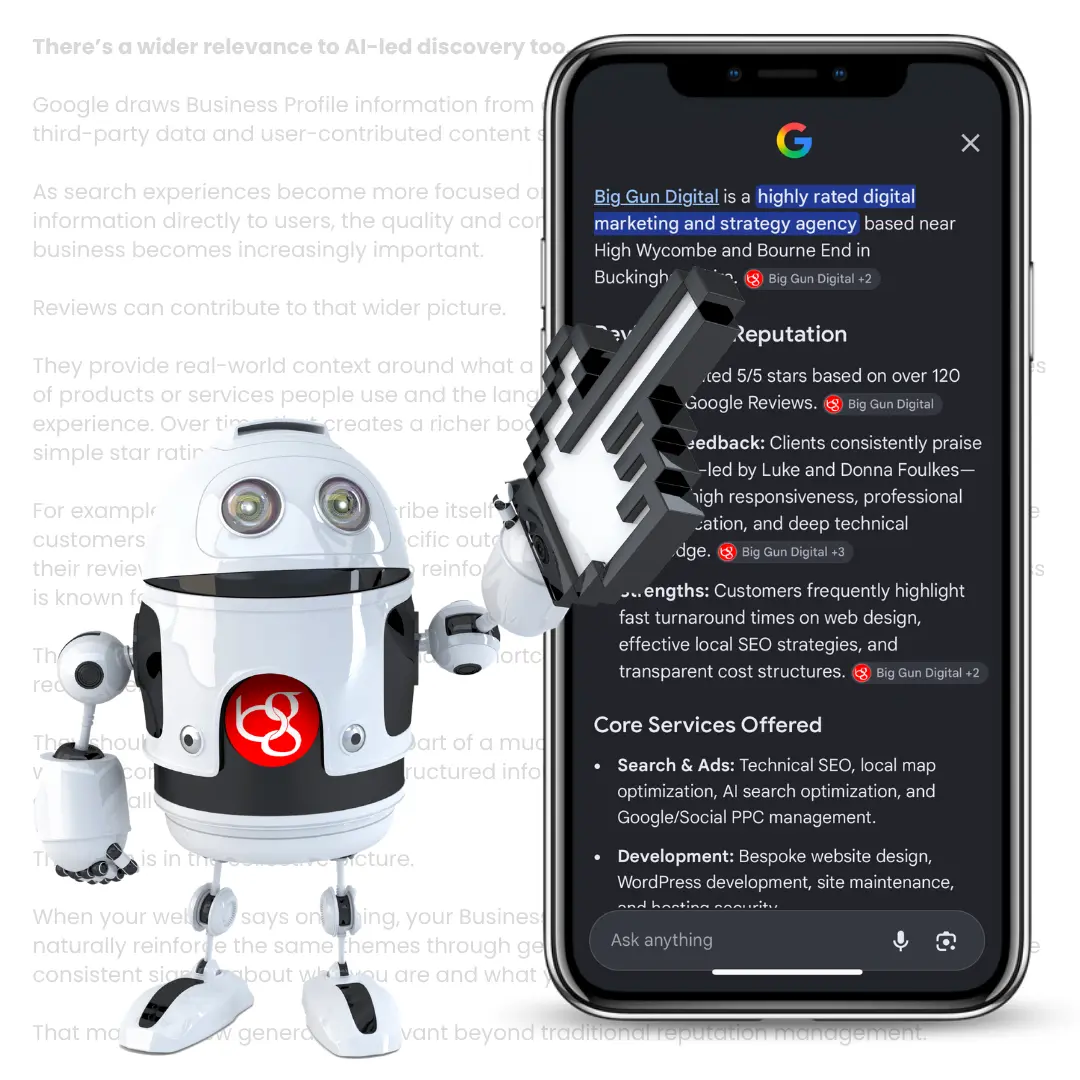
There’s a wider relevance to AI-led discovery too.

Google draws Business Profile information from several sources, including websites, third-party data and user-contributed content such as reviews.

As search experiences become increasingly focused on summarising and interpreting information for users, having strong, consistent information about what your business does and how customers experience it becomes increasingly valuable.

That doesn’t mean reviews are a magic shortcut to appearing in every AI result. They should be considered as one part of a much broader digital presence. But they create useful, genuine signals around your business that extend well beyond a five-star graphic on your website.

Design Review Requests with Intent

The answer isn’t to plaster “Leave us a review” across every possible interaction.

Good design is selective. Before adding another review CTA, ask:

  • Has the customer received value yet?
  • Does asking for a review make sense at this point in their journey?
  • Which format creates the easiest next step?
  • Can we remove any unnecessary clicks or decisions?

Sometimes the answer will be a QR code. Sometimes it will be an NFC product. Sometimes the best option is simply an automated email a few days later. The touchpoint can change. The principle stays the same.

It’s also important that the request remains genuine. Google prohibits businesses from offering incentives such as free or discounted products or services in exchange for reviews, changes to reviews or the removal of negative feedback.

The goal should be to make it easier for real customers to share an honest experience, not to influence what they say.

Turn Positive Experiences into Lasting Visibility

Generating more reviews isn’t necessarily about asking more often. It’s about designing better opportunities to ask.

When you consider review generation across web design, print, NFC, QR codes, product design, Link Hubs and digital nurture journeys, it becomes another part of the overall customer experience.

The right message appears at the right moment, the route forward is obvious and the customer doesn’t have to work out what to do next.

And when that happens, one positive customer experience has the potential to keep working long after the original interaction — helping build trust, strengthen local visibility and give the next customer another reason to choose you.

P.S. Want to create your own direct Google review link?

You can send customers straight to the review box rather than asking them to search for your business manually.

One way to do this is using Google’s Place ID Finder:

  1. Open the Google Place ID Finder and search for your business.
  2. Copy the unique Place ID shown for your listing.
  3. Add that Place ID to the end of the following URL:

https://search.google.com/local/writereview?placeid=YOUR_PLACE_ID

Replace YOUR_PLACE_ID with your own code, and you’ll have a direct link you can use across emails, QR codes, NFC products, Link Hubs and printed touchpoints.

Get in touch

It’s great to know you’re ready to take the plunge and reach out. We’ve got plenty of ways to get in touch with us, feel free to pick one that most suits your needs and requirements.

Give us a call, book a strategy chat, request an audit or simply fill out the form and one of experts will get back to you within the same working day.

PING US A MESSAGE

This field is for validation purposes and should be left unchanged.
Services of Interest

READY TO GO?

BRING IN THE BIG GUNS

BOOK A STRATEGY CALL

BOOK A STRATEGY CALL

I'd Like to Chat About...(Required)

PING US A MESSAGE 💬

This field is for validation purposes and should be left unchanged.
Services of Interest
Secret Link